
Copy & Automate Trading Signals from Telegram to cTrader in Real-Time
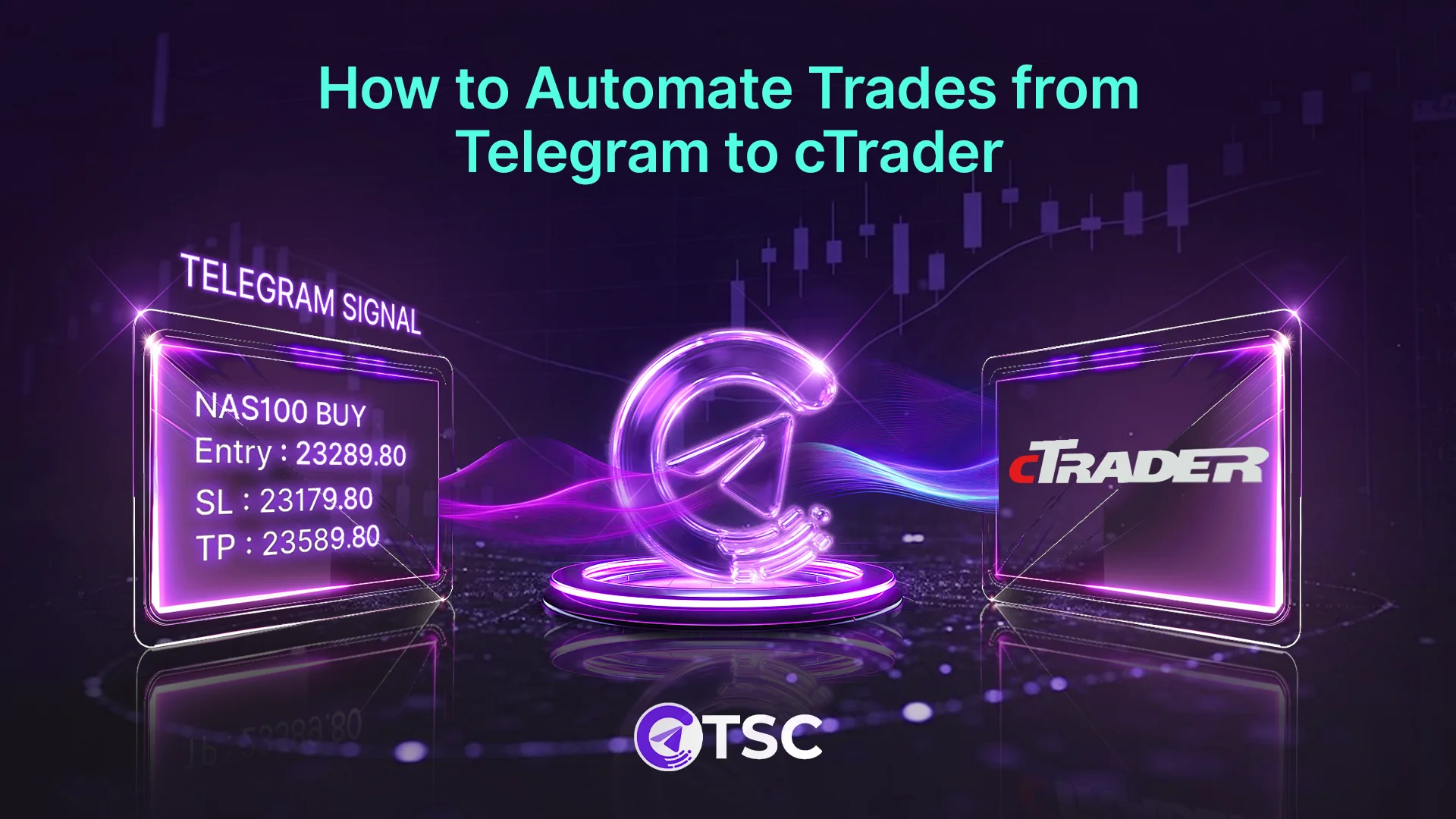
In the era of MetaTrader platforms, cTrader has expanded its popularity with fast and transparent trade execution with a powerful market liquidity Level(II) chart. But the question is, how to copy trading from Telegram to cTrader without manual input?
A well-structured cTrader-compatible copier tool is a must to beat the advanced trading automation, avoiding execution delays.
This complete guide will walk you through the entire process of finding the best Telegram signal copier for cTrader and autocopying signals with some risk control tips from trading experts.

What is cTrader and Why It’s Popular for Copy Trading?
cTrader is a professional Forex and CFD trading platform known for modern API-friendly trade automation. Like any other trading platform, cTrader provides trading charts for market exposure along with other necessary tools and indicators, including algo trading option.
cTrader is available for desktop, web, and mobile versions. They call it the cTrader Store, where all the tools and indicators for charting are available.
Unlike MT4/MT5, cTrader was designed with advanced order types and ECN (Electronic Communication Networks) with built-in trading automation. That is why it is one of the most popular API-friendly trading automation platforms after MetaTrader. Besides, cTrader is-
- Available on fully web-based/ Windows/ Mac
- Transparent in trade execution
- Available with In-depth market views & level II liquidity exposure
- Designed with a modern & easy-to-use interface
- Integrated and optimised for FTMO prop traders
- Best for copy trading and social trading
What is Telegram to cTrader Copy Trading?
Telegram to cTrader copy trading refers to copying trades from Telegram and placing them into cTrader platform. Here, Telegram trades are the trading signals or trade orders provided on the Telegram channels and groups. It can be any asset- forex, gold, or indices trading.
Telegram is now a popular medium for providing trade signals where experts share accurate trade signals for beginners to trade without market analysis. These Telegram signals are something like-
USDJPY SELL 158.430
SL: 159.000
TP: 157.000
These signals or trade orders can be executed on the cTrader platform either by manually copying them from Telegram and placing the orders on cTrader or by automating the entire process. This is known as Telegram to cTrader copy trading.
Why Traders Copy Signals from Telegram to cTrader?
Traders copy trades from Telegram to cTrader to automate trade execution. Telegram has become the largest and most popular media for getting trading signals nowadays. And manually copying those signals and then placing an order on the platforms can be time-consuming and comes with the risk of manual errors.
So, people copy and automate Telegram signals to cTrader, avoiding manual errors and emotional trading decisions.
Besides, copying Telegram signals to cTrader benefits by-
- Trade automation with faster execution
- Avoid manual errors while copying and executing
- Keep consistency and accurate execution
- Reduces emotional mistake
- Efficient for copying signals from multiple channels
How Telegram to cTrader Copy Trading Works
Telegram to cTrader works by connecting a cTrader trade copier software tool that can copy signals from Telegram to cTrader instantly without manual input. So, for this, you need a potential cTrader trade copier tool, which we will be explaining next.
To automate Telegram signals to cTrader, you must download your preferred cTrader tool- web/ desktop/Mac. ClickAlgo provides all the supporting APIs for cTrader and NinjaTrader, along with the supported brokers. Get your suitable cTrader tools from there.
However, here’s the breakdown of how Telegram cTrader copy trading functions-
- According to ClickAlgo, you need to create a Telegram Bot using ctrader Bot Tokens and connect the Telegram to that Bot using the Chat ID from ClickAlgo. Or the best part is to use a Telegram cTrader automated trade copier tool like TSC.
- Then, you need to connect the copy trading tool or the trading bot to your Telegram channel to copy and automate Telegram signals to cTrader.
- Finally, start automating Telegram signals to cTrader and monitor them from time to time. Inside the cTrader platform, you can find real-time trading alerts for every Telegram signal execution. You can also get mobile notifications from cTrader in real-time.
Key Features to Look for While Choosing a cTrader Copier
Platform compatibility and real-time singal execution should be the first priority in the feature list when choosing a cTrader trade copier tool. Here are all the must-have features to look for-
- Instant Signal Execution: ‘My copier is missing signals’- is the most common issue nowadays with the trade copiers. So, look for a cTrader copier with the lowest maximum execution time to avoid trade slippage or pending orders.
- Smooth cTrader Compatibility: The copier must be compatible with the cTrader platform and easily integrated.
- Every Type Signal Format Support: cTrader trade copier should support any signal format and any language signals, including image signals. You never know what type or format of signal your provider sends.
- Ease of Use: The copier should be easy to use for smooth operation, and the installation method should be quick without any tech jargon.
- Robust Risk Settings: Modern copy trading requires an advanced level of risk control parameters to be on the safe side. And make sure the copier has extensive risk management features.
- Extensive Customer Support: Look for a cTrader trade copier software with good customer support available round the clock, so that for any kind of issue, you can reach out and fix it in real-time.
Best Telegram to cTrader Trade Copier in 2026
Telegram Signal Copier (TSC) is the best signal copier for cTrader in 2026. With its powerful AI copygenius feature, backed by Vision AI and OpenAI, TSC is highly rated and used by traders of all levels to copy Telegram trading signals to the cTrader.
This cTrader copier is popular for its robust features and easy configuration. No matter what type or language the Telegram signal is, TSC can autocopy signals from Telegram to cTrader. And the best part is its instant signal execution, avoiding trade slippage.
Telegram Signal Copier is an automated trade copier tool that supports multiple trading platforms like cTrader, TradeLocker, MT4, MT5, and DXTrade.
Limitless autocopying signals from multiple Telegram channels and completely customized settings in the copier make this tool a highly rated and recommended cTrader copier.
How to Automate Telegram Signals to cTrader?
Automate Telegram signals to cTrader by installing the TSC EA (Expert Advisor) on the cTrader platform. To get started with automating Telegram to cTrader signals, follow these easy steps below-
Step-1: Download & Install TSC cTrader Copier
You can find the TSC app for cTrader in the TSC user portal dashboard. After successfully purchasing the TSC copier tool, you can get the option to download and install the copier for Windows and other systems.
So, go to ‘My Downloads’ from the TSC client portal and download the TSC app according to your device config (32-bit or 64-bit). Extract the zip file and install the application file on your device or VPS (Virtual Private Server).
Step-2: Connect Telegram
Next, log in to your Telegram account using this TSC app. Open the TSC software and enter your Telegram account number with the country code. And you will get a code on your Telegram. Verify your account by inputting that code. And your Telegram will be connected here.
Note: This only grants permission to read messages from the selected Telegram channels or groups. TSC can’t access your account, or does not allow any external control.
Step-3: Add Your cTrader Account
Now, sign back in to your TSC client portal and go to the ‘Trading Accounts’ section. Here, you will find the option to add your trading accounts.
Go to cTrader and copy your account number. Then, paste the account number into the TSC dashboard portal. Then, click ‘Add Account’. Your cTrader account will successfully be connected with TSC.
Step-4: Install the TSC EA Bot File on cTrader
Now, install the TSC EA (Expert Advisor) that came with the TSC app. For this, open the TSC installation folder where the complete TSC file is downloaded and saved. From there, locate the TSC EA cTrader bot file.
Now, double-click to install the cTrader EA bot file and click ‘Start cBot’, and at the top, you will see a pop-up displaying that TSC EA cTrader has been installed successfully.
Now, open CTrader and go to the Algo section on the bottom left side. Scroll down a bit, and you will see that TSC EA is listed here. Click it, and you can customize the EA parameters section available on your screen at the bottom, next to the Algo.
Alternatively, you can use the Add Algo option to customize your EA from there as well.
Step-5: Select Telegram Channels and Configure
Open the TSC app and enter your cTrader account number and enter. And select every Telegram channel you want to copy trades to cTrader.
Select each channel and configure the settings like keyword, SL, TP, and other basics for the signal copy. Then, copy the channel ID and paste it into the Channel IDs field at the top of the parameters section inside cTrader, and click ‘Add to Chart’.
Step-6: Configure EA Parameters &Test
Go to cTrader and double-click the TSC EA bot to open. Allow access to the bot and open your Telegram account to test some signals for automated trade execution.
Send a dummy signal on Telegram to test whether everything is working correctly. You will notice that as soon as the signal is sent, the trade is executed automatically on cTrader without any delay.
Step-7: Copy & Automate Trades to cTrader & Monitor
Now, start copy trading from Telegram to Ctrader using Telegram Signal Copier. But make sure to customize the TSC EA bot file inside the cTrader platform according to your trading preferences.
You can add in your preferred channel ID, preferred ot sizes, and risk parameters, like stop-loss (SL) and take-profit (TP) settings, etc. to copy telegram signals to cTrader with the best risk management.
Note: It is recommended to copy and test the cTrader copier with a demo account first.
Why Use TSC for Copying Trading Signals from Telegram to cTrader
Most traders use Telegram Signal Copier to seamlessly copy trades from Telegram to cTrader. Leveraging advanced AI technology for signal detection and execution, TSC stands out as a powerful and reliable trade copier for the cTrader platform.
Here are all the key benefits of using TSC Telegram to cTrader trade copier-
- Instant trade execution without missing any single signal
- Automatic trade copy from any language, any format.
- Supports and copies signals from multiple Telegram channels and groups
- Compatible with multiple trading platforms
- Modern copy trading features backed by advanced AI technology
- Every copied signal is trackable through signal history dashboard
- Trading without any emotional impact
- Real-time trade alerts with mobile notifications
- Capping losses with advanced risk control settings, SL-TP modification
- Flipping losing trades with reverse trading signals
- Scheduled trading options with a customised time filter
- Trusted by 90,000+ traders worldwide
- Specialized drawdown protector EA for prop traders
- 24/7 live customer support system by real humans
Risk Management Tips for Profitable cTrader Copy Trading
Trade automation does notmean it removes risk. Instead, it controls risk. So, for the best practice, follow these million-dollar risk management tips recommended by expert traders-
- Use percentage-based lot sizing
- Never risk more than 1-1.5% of your total capital
- Set a maximum daily loss limit
- Always run the copier on a demo accounbefore going live
- Monitor signal performance monthly for the best profit outcome
- Avoid over-leveraging to keep the account safe
- Try to maintain a trading journal for scaling up
Final Wrap
After reaching this wrap-up section, you might be thinking, is the Telegram to cTrader automation worth it? The answer is yes. Though it does not guarantee your profit, it guarantees your trade automation and instant signal execution.
And a cTrader copier like the Telegram Signal Copier (TSC) can ensure no signal is missed and your trades are placed in real time. So, auto-copy Telegram signals to cTrader with TSC and level up your trading automation.
For any kind of assistance or to learn more about TSC signal automation cTrader, contact the support, available for you 24 hours 7 days.
FAQs for Telegram to cTrader Copier

Yes, you can automatically copy Tegram signals to cTrader using the TSC copier tool in real time.
Absolutely! cTrader allows copy trading, so it is completely safe to copy trading from Telegram to cTrader.
Yes, cTrader is allowed for copy trading, and the best part is that cTrader has its own integrated brokers available.
Yes, you can copy trades between accounts on cTrader or copy Telegram signals to cTrader.
cTrader does not natively send trades to Telegram, but cTrader copier, like Telegram Signal Copier, can autocopy trades from Telegram to cTrader.


4 Comments